¶ Creating New Accounts
Accounts are B2B entities that receive analyst notes, through campaigns, sold through subscriptions.
See also: Key Concepts
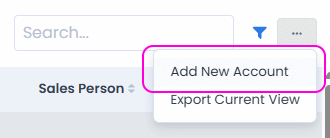
To create an account, go to the Accounts page and click on the menu at the top-right side of the page:
This opens a dialog for adding a new account:
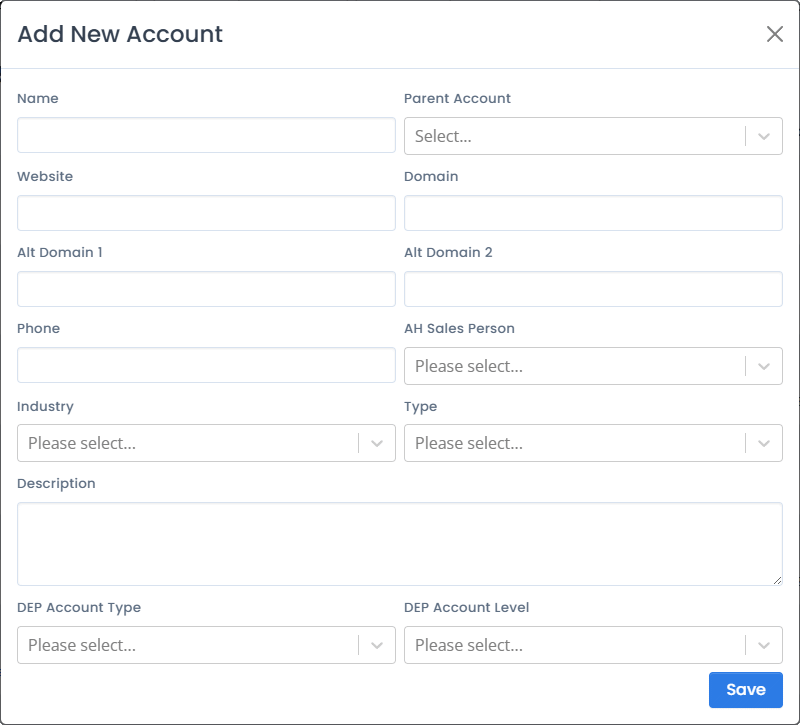
Form fields’ descriptions follow.
¶ Name
Account name.
¶ Parent Account
Only used if the account represents a part of a larger organization (like a deparment within a company, or a subsidiary).
¶ Website, Domain, Alt Domain 1, Alt Domain 2
Website and domain(s) associated with the account.
¶ Phone
Phone contact for the account.
¶ AH Sales Person
Sales person from AnalystHub associated with the account.
¶ Industry
Industry in which the account is most active (for analytics purposes).
¶ Type
Account type (for analytics purposes). Can be one of:
- Buy Side
- Company
- Press
- Government
- Individual
¶ Description
Description and notes about the account.
¶ Tips and tricks
¶ View all subscriptions of an account
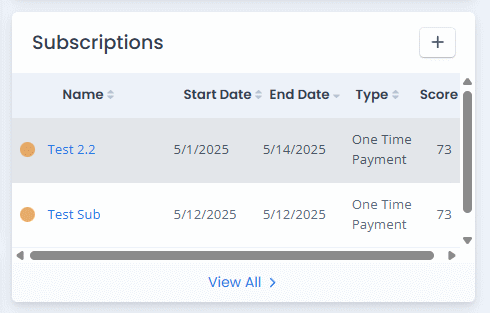
To see all subscriptions of a particular account, go to the account page, and note the list of subscriptions on the right-hand side of the page.