¶ Elements of Notes
¶ Templates
Creating notes always starts with a template. There are many templates available, depending on the industry sector and type of note.
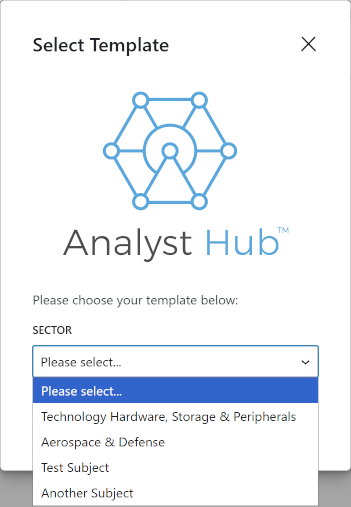
Most of the template choices have sub-options, leading to specific templates. Contact AnalystHub for adding more templates.
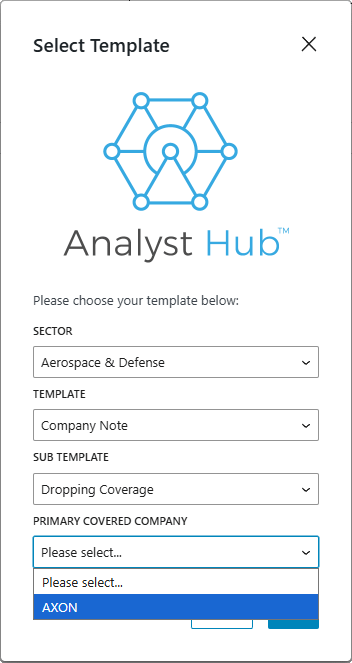
Two major template types are:
- Company note - with a particular company as the topic, including a sidebar with company information
- Industry note - a more broad type of note about an industry
¶ Company Note
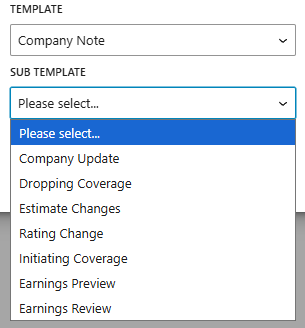
A company note can be about different events or aspects of a company:
To help convey the current inormation about the company, these types of notes usually include a sidebar with stock information:
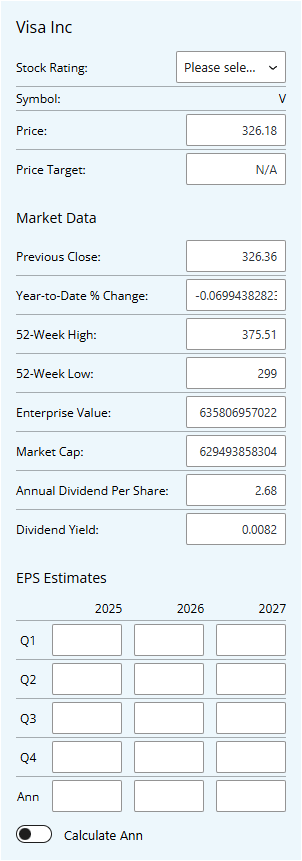
See the How Notes Look page for a description on how to change this sidebar.
The Company Note is made of two parts, the “first page” part which should contain a high-level overview, and it’s the only part that will be visible in “teaser” PDF-s, and the “Main Content”, which should contain details and should be treated as the main part of the text.
¶ Industry Note
Industry notes are more free-form articles, and don’t contain special sections.
¶ Importing Word Documents
Word documents can be imported by using the “Mammoth .docx Converter” at the bottom of the note editor.
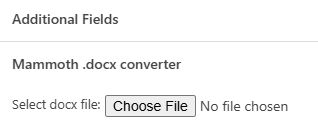
The Word document can have (bitmap) images included, and its content will replace (overwrite) the entire content of the note.
¶ Note lifecycle
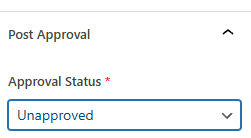
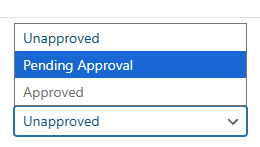
Notes are usually submitted for approval as a part of a compliance workflow. Usually, the analyst will mark the document as “Pending Approval” at the bottom of the “Post” tab of the Note editor (itself located at the top right side of the page), which will highlight the note for approval by designated staff.

80% done