¶ Introduction
Notes are reports sold through subscriptions on the AnalystHub content portal.
¶ Creating a Note
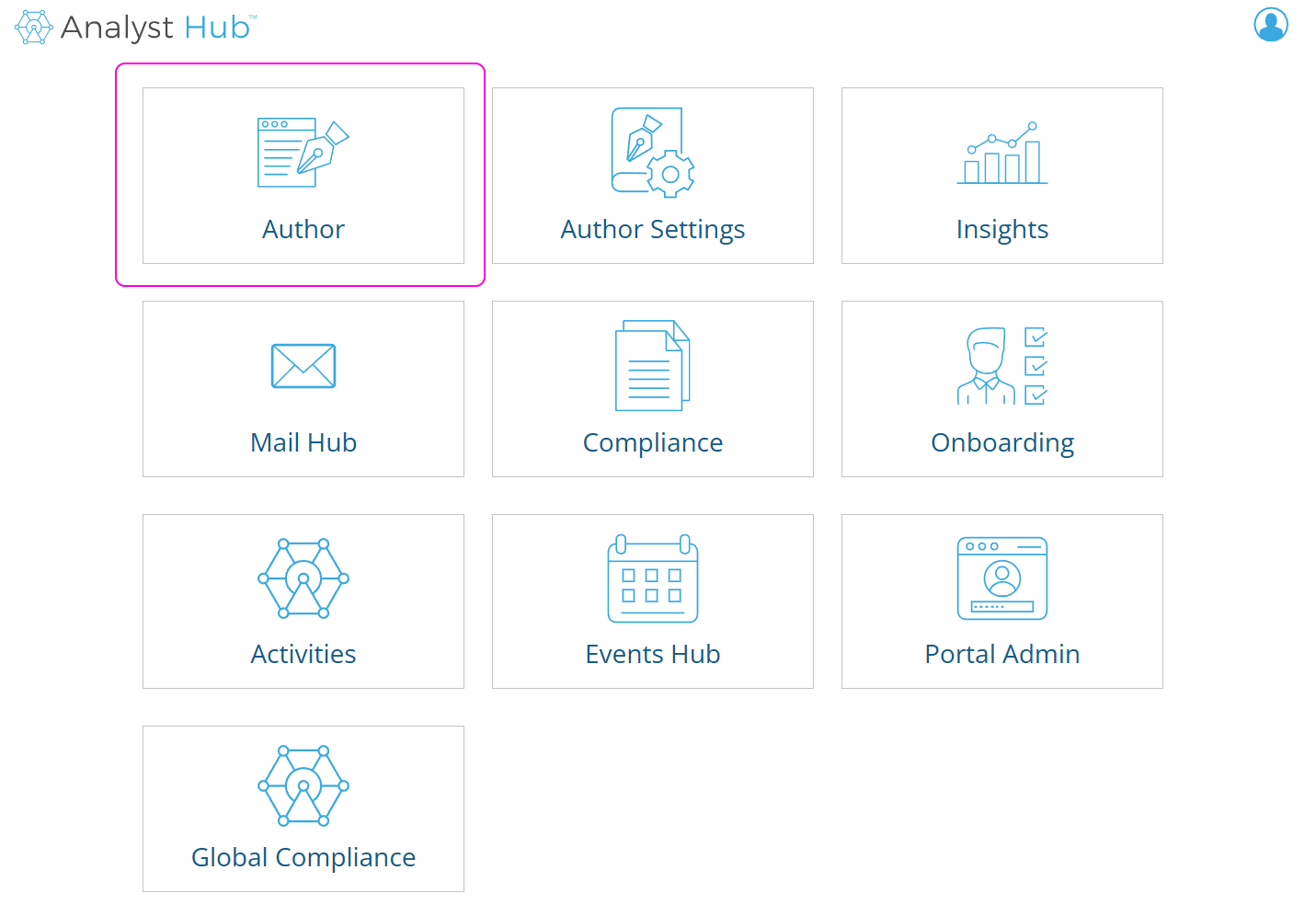
Start by clicking on the “Author” tool in the content portal.
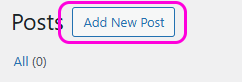
Next, click on “Add New Post” at the top-left of the screen:
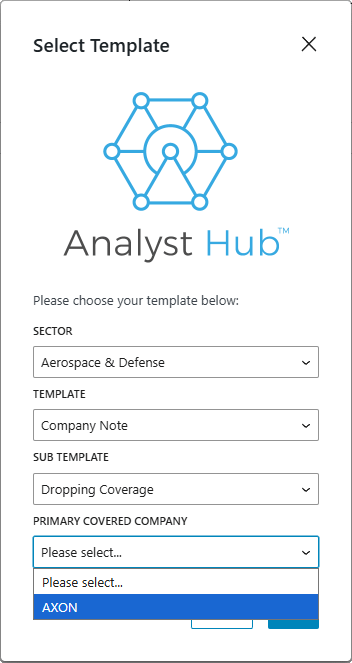
This will open a dialog allowing you to pick a template for the note. See the documentation on Elements of Notes for details.
After picking the template and the company (if the Note is a Company Note), you will be presented with the Note Editor:
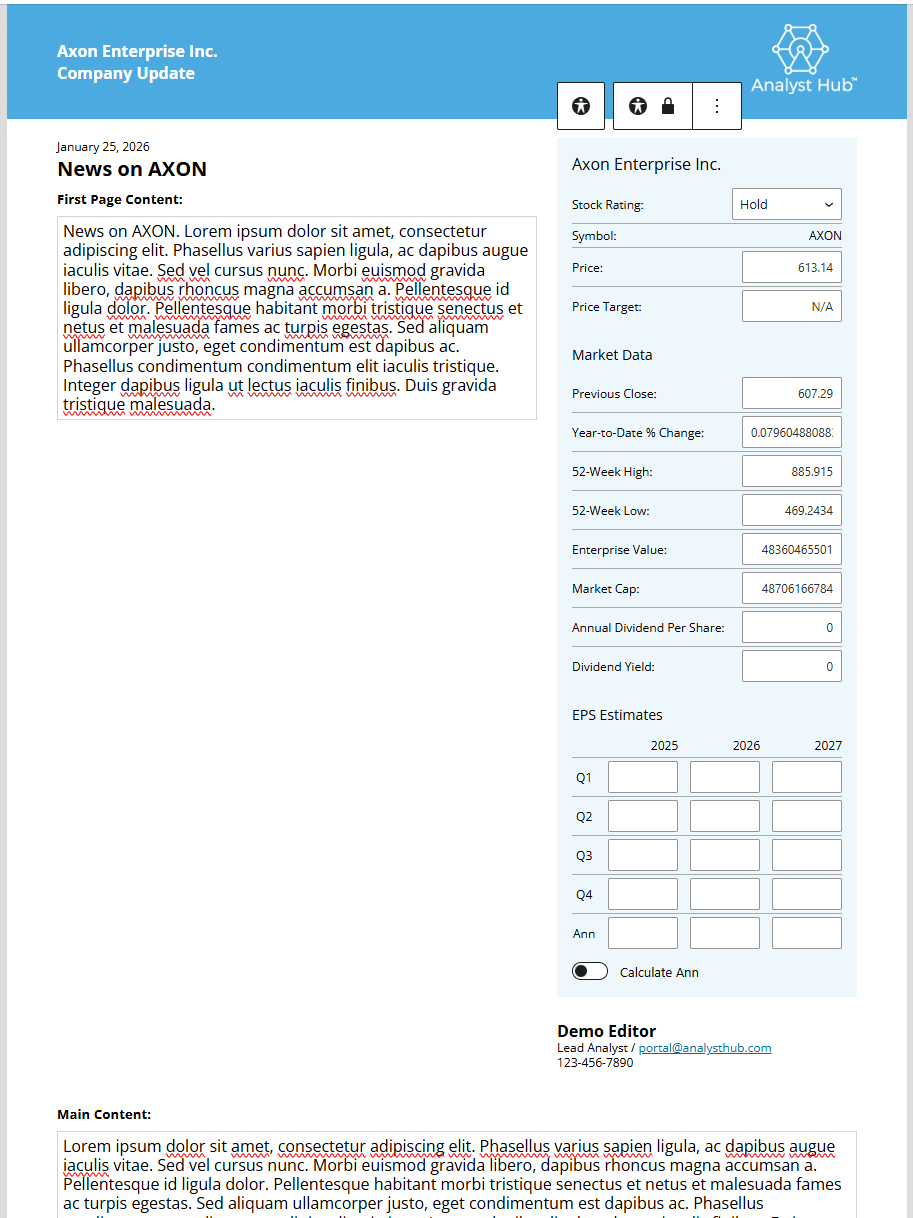
The Company Note is made of two parts, the “first page” part which should contain a high-level overview, and it’s the only part that will be visible in “teaser” PDF-s, and the “Main Content”, which should contain details and should be treated as the main part of the text. See the documentation on Elements of Notes for details.
¶ Note Settings
On the Note Editor page, at the top-left part of the page, you can switch to the Post tab to access Note Settings. The main settings are shown in the following screenshot:
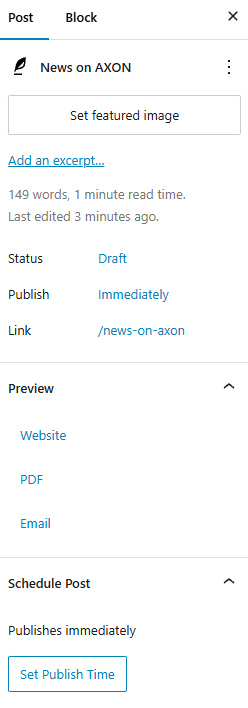
These are:
- Featured image - An image to associate with the note (TODO: where is it used in notes?)
- An Excerpt - Not used
- A way to schedule the note for a certain date and time (notes will still need to pass approval!)
- Preview links for website, PDF, and e-mail versions of the note.
In addition to those, the note can optionally be tagged with tickers:
- Tickers to tag - Mostly useful for Industry Notes - tickers that will be highlighted for the note
- Private tickers to tag - TODO
¶ Compliance
Notes are usually submitted for approval to designated staff. This is done by selecting the Approval Status field at the bottom of the Note Settings:
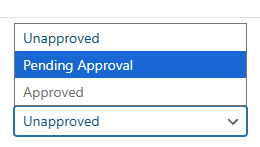
See the documentation on Elements of Notes for details.
90% done