¶ The Invoice Hub
Tracking sent and upcoming invoices is important enough that there is a separate application feature named the Invoice Hub, accessible on the left-side menu:
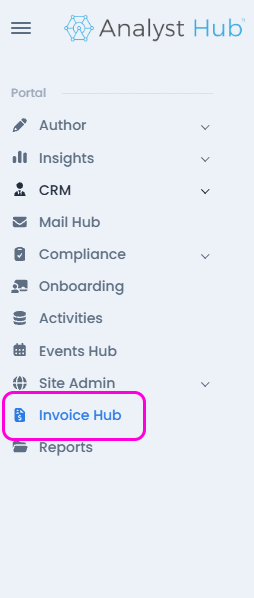
This will bring up the Invoice Hub page, with the option of showing sent and upcoming (pending) invoices.
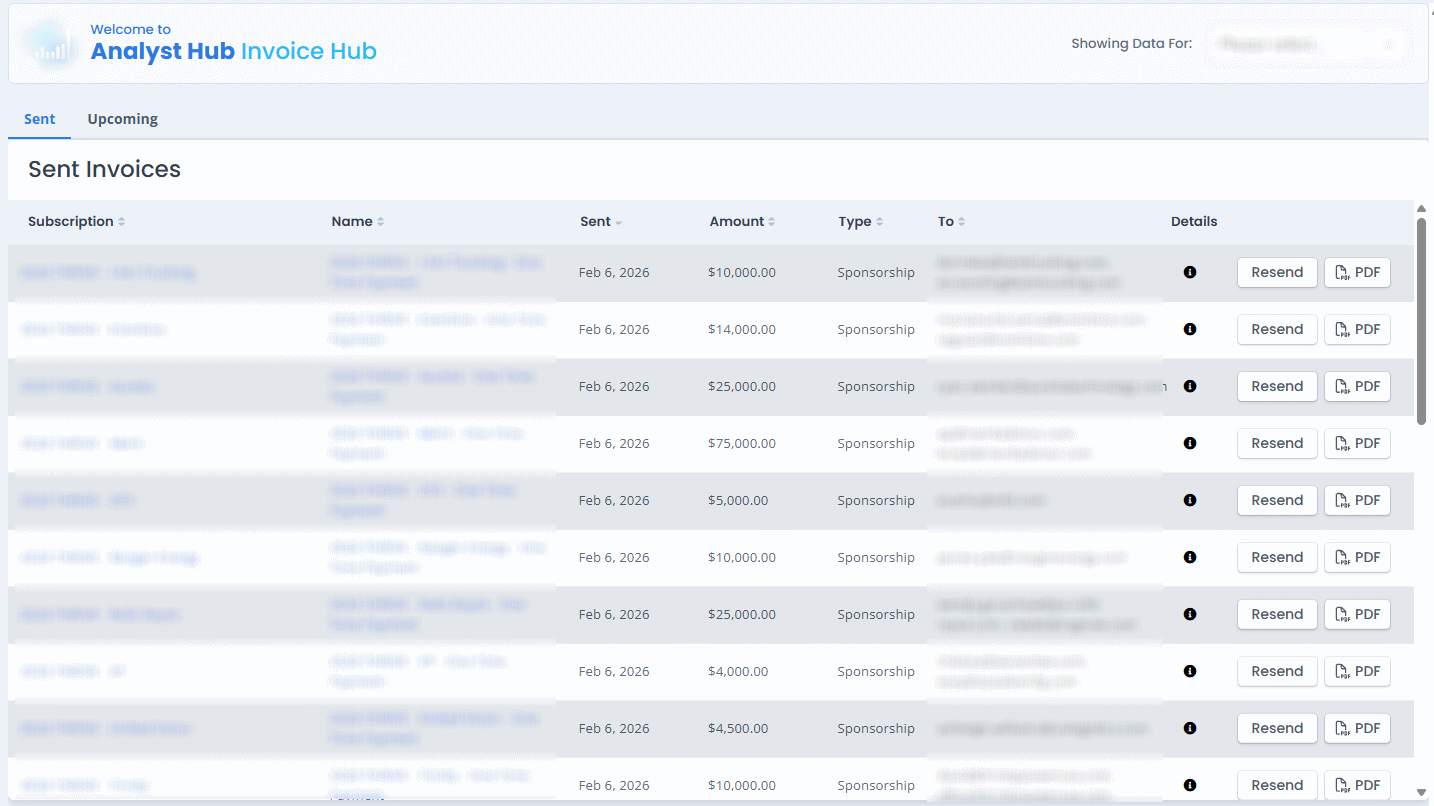
From here, you can review individual invoices by clicking on the entries in the Name column, review the subscription that was the basis for creating them by clicking on the entries in the Subscription column, view the generated PDFs, and (re)send them manually.
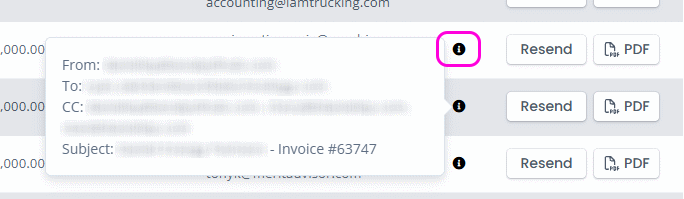
Note that you can view the details of the e-mails that have been used (or would have been used) to send the invoice PDFs by hovering on the (i) icon:
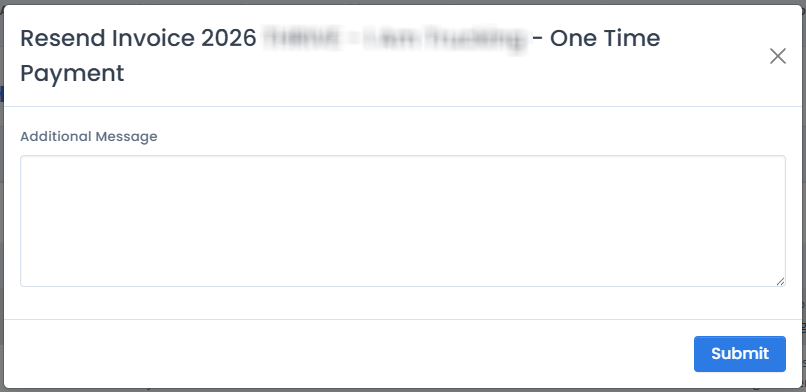
Clicking on the “Resend” button will bring up a window where you can add an additional message to be added to the e-mail - like a reason for the reminder, or a specific greeting.