¶ Generating invoices
Invoices for individual subscriptions are accessed from the Subscription detail page.
There are tree ways to generate an invoice manually: the first one is automatically, based on subscription frequency (i.e. monthly, quarterly, yearly). There’s an automated process which generates and sends out these invoices.
The second way is by clicking the Generate menu entry in the header of the Invoices table on the Subscriptions page:
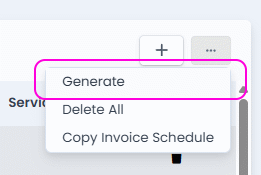
This will generate any outstanding invoices based on the subscription start / end / recurrence dates.
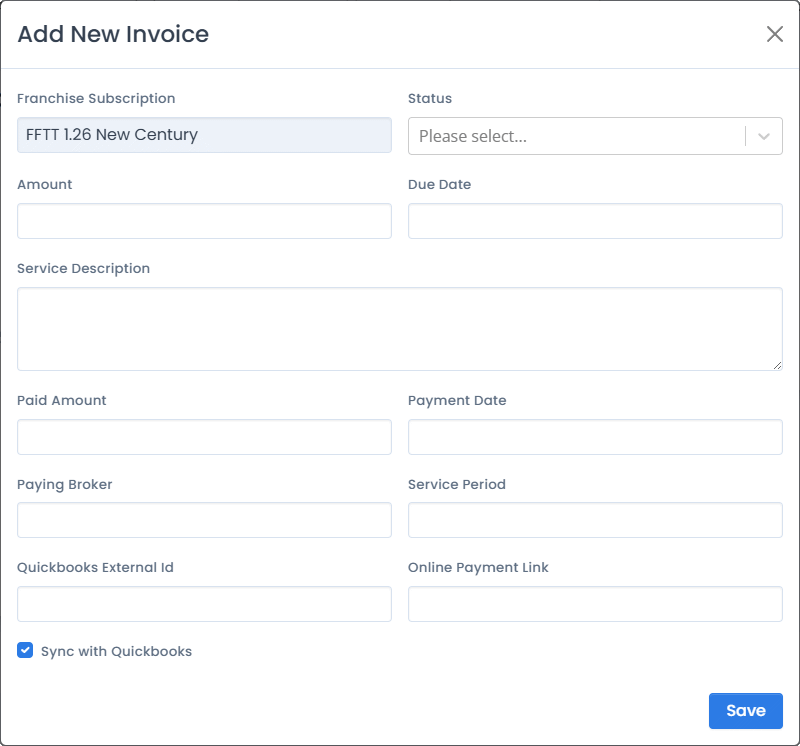
The third way is to create an invoice from scratch, by clicking on the + button on the same screen:
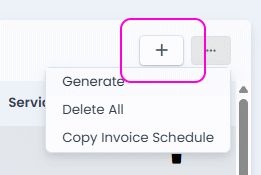
This will show a custom invoice form, but still related to the selected subscription:
¶ Invoice lifecycle
An Invoice’s lifecycle is goverened by its Status field, which can be one of:
- New
- Sent
- Paid
- Partially Paid
- Projection - Type of perpetual subscription where the amount is the projected value that can be used for reporting and forecasting. Conceptually it’s a placeholder invoice.
¶ Generating a PDF
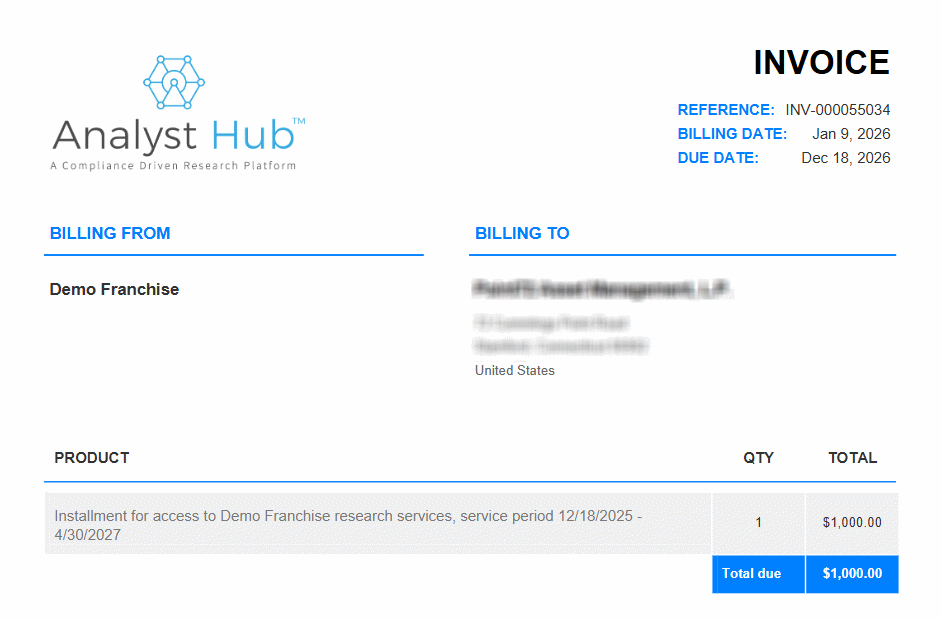
The Generate PDF button will create and show a PDF invoice, which you can save as a file.
¶ Automated Invoices
In the most common case, invoices will be automatically generated, based on subscription details.
Automated invoices are scheduled to be sent out 9am-5pm on workdays, on approximatly an hourly basis.